


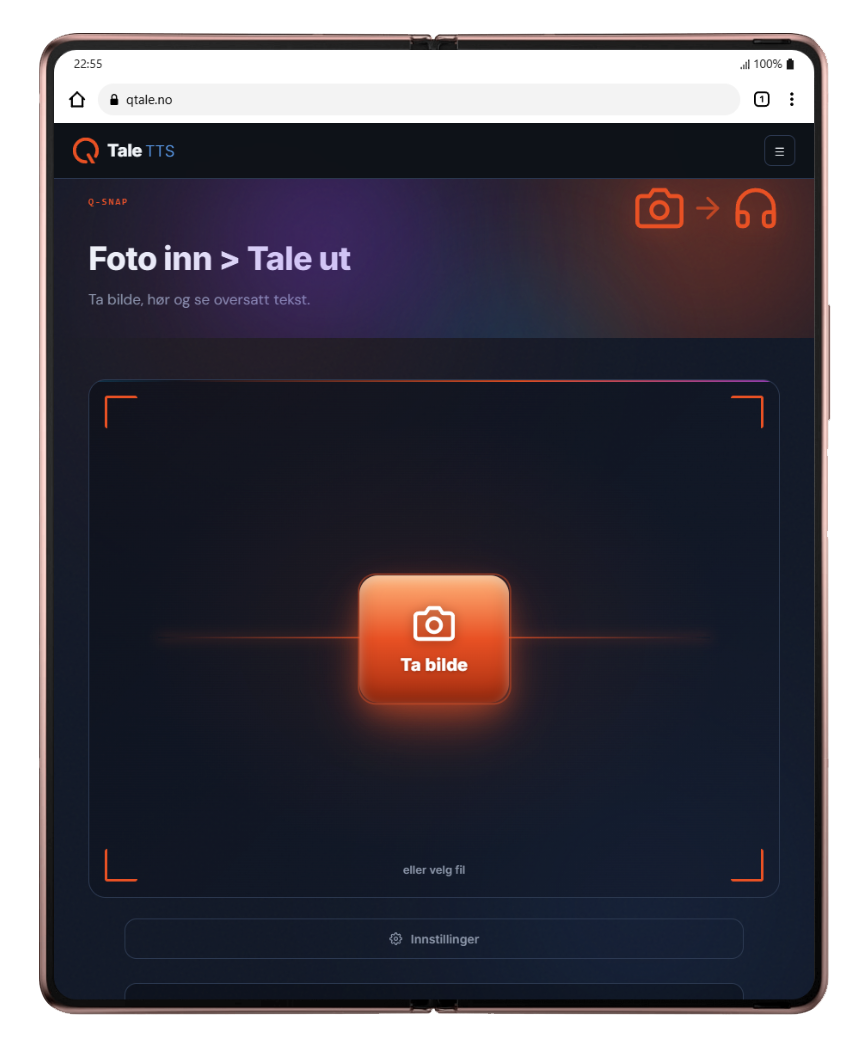
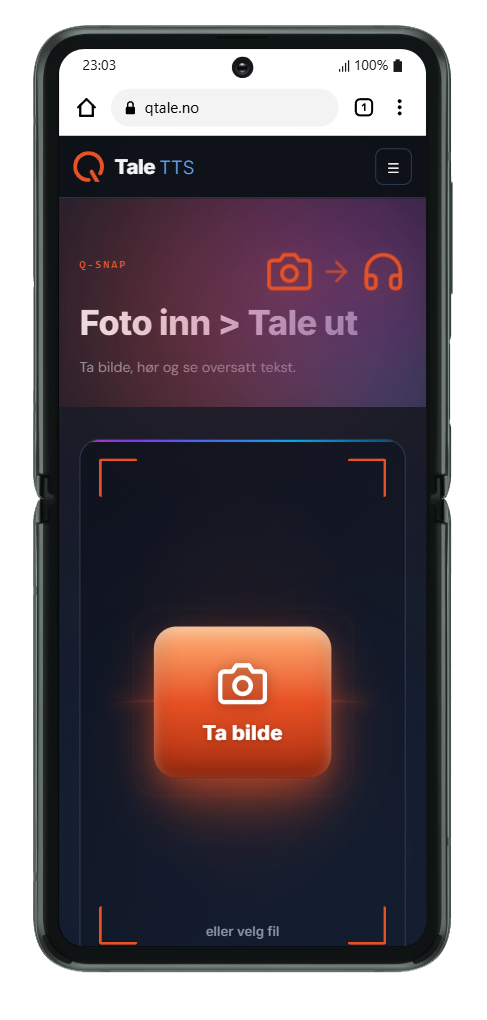
Take a photo Listen and read translated text
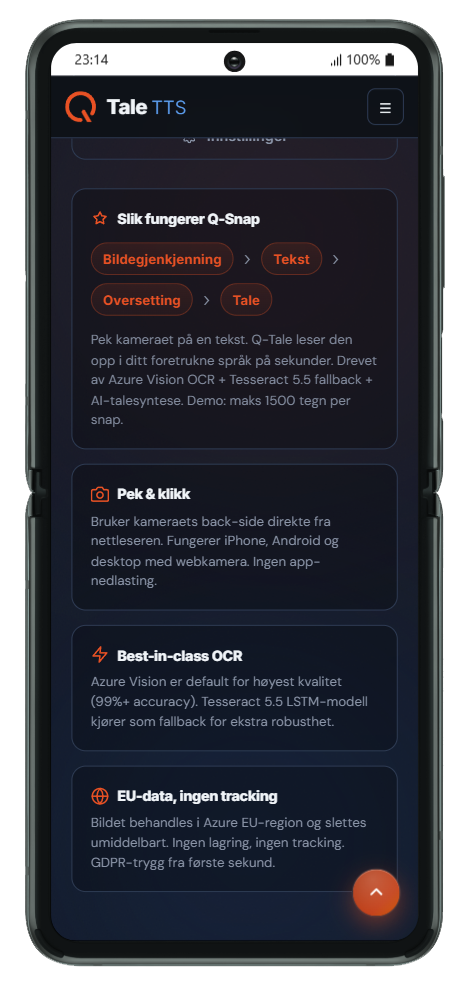
Image Recognition › Text › Translation › Speech
The entire pipeline – from the camera button to the finished spoken audio – is built to be finished before you have time to breathe out.
Source text
Sign, menu, book, letter, screen â point the camera at anything. Q-Snap supports 30 languages and also reads handwriting, street signs and documents with strange fonts.
OCR + auto-translation
Q-Snap recognizes text with Azure Vision OCR, automatically detects the language, and translates into your native language. Turn off translation if you only want to hear the original.
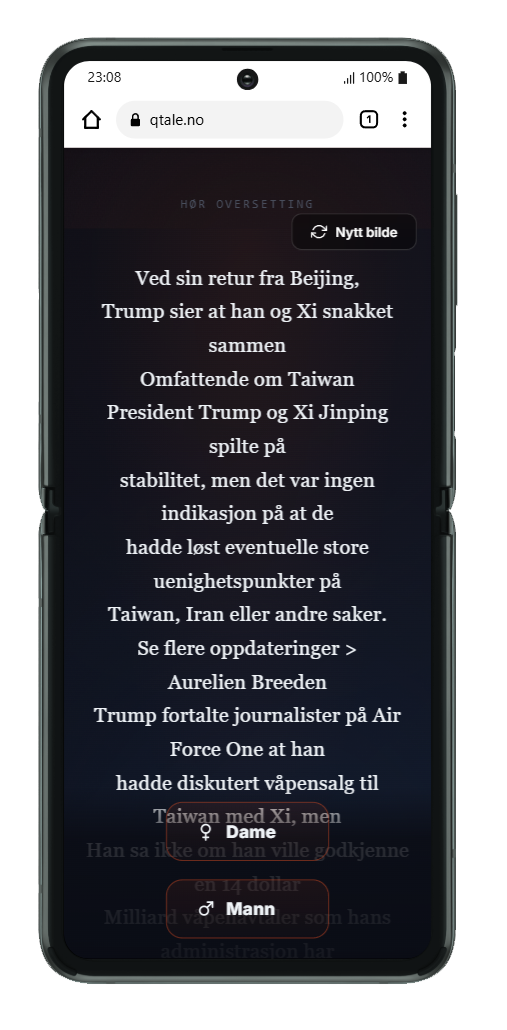
Choose Woman or Man — and listen
Studio voices from Azure, Kokoro, and UiT-Giellalt â without latency. Press Queen or Male and the sound is ready in seconds. Fancy mode gives you vinyl record and audio-reactive equalizer.


The board outside the café. The sign at the station. The menu you don't understand.
Hold your phone up, tap once — and hear what's there, in your language. Without typing anything.
Anywhere. Anything. In your language.
Anything that is written can become text and audio you understand. Here are eight things people use Q-Snap for every day.
Menu on holiday
Greek tavern, Italian trattoria or Japanese izakaya. Snap the menu and hear what the dishes actually are — before you order.
Greek → English · 4 secondsSigns and notices
Train schedules, parking signs, museum posters and warnings. Understand what is written there, even when the font is strange and the light is poor.
Handwriting and street signs supportedLetter from the public sector
NAV, the Tax Administration, the municipality or the bank. Have the letter read aloud in your language, in peace and quiet, as many times as you want.
Norwegian → 30 languagesOperating Instructions
Medicine packs, appliances, tools and furniture. When the text is small and the language is foreign, you let Q-Snap read.
Small print · Long textSyllabus and homework
Textbooks, copies, and whiteboard images. Hear the text as you read — good for dyslexia, new languages, and long evenings.
Read and listen at the same timeNewspapers and magazines
The paper newspaper in the café, the magazine in the waiting room, the book you found in the cabin. Snap the page and listen to it read aloud on the way on.
Unlimited with paid Q-SnapMagnifying glass
Small print on medicine packs, instructions for use and bills. Snap, press A+ and read in the size you want — with or without reading.
Text up to 40 px · Text-only modeShare text
Send the translation to family, coworkers, or yourself — one tap from the app to messages, email, or notes.
Share button right by the textGuides: how to use Q-Snap for …
Same app. Twelve countries. One button.
We took Q-Snap on a trip. Every whiteboard below turned into text and speech in seconds.
No matter handwriting, chalk or tiles.


You choose the language you want to hear.
Q-Snap will figure out the rest.
The source language is automatically detected, line by line — a menu of Greek and English becomes completely English. The app follows the language on your phone, and you can switch at any time.
+ Sami, Faroese, Icelandic, Greek, Czech, Hungarian, Romanian, Turkish, Ukrainian and more — a total of 30 languages for reading and speaking.
Chinese menu? Thai sign? Arabic letter?
Point the camera at the text – you get it read aloud in your language. The script is recognised automatically.
And where you actually travel
Try for free. Then one price for everything.
No registration to begin — the first 15 snap s are free. After that, Q-Snap costs less than a coffee a month and is paid by Vipps or card.
- The first 15 snap s free
- All 30 languages
- Women's and men's voices
- Standard and Fancy mode
- Stops after 15 snaps
- Unlimited snap s
- Premium Azure voices (studio quality)
- Renews annually — cancel anytime
- Offline cache of recent snap s
- Priority OCR quality
- MP3 download
No App Store. No registration.
Q-Snap is a Progressive Web App â you install it directly from your browser. The icon is located on the home screen and opens full screen, just like a normal app.
Ready to log in?

Regular camera. Keep calm. Click the link.
Tap to install

How Snap works
You are in an in-app browser (Facebook, Messenger or similar). "Add to Home Screen" is not available here â you have to open the link in Safari.
-
1You must be in Safari
Q-Snap must be installed from Safari â not Chrome or other browsers on the iPhone.
-
2Tap the Share button
At the bottom of Safari, you'll see the Share icon: a square with an up arrow.
On newer iPhones (iOS 16+), it's in the address bar at the bottom. On older iPhones, it's at the bottom of the screen. -
3Select "Add to Home Screen"
There is a long list in the Share menu â you have to scroll down. Look for the symbol: (square with plus sign)
-
4Tap "Add" at the top right
The Q-Snap icon will now appear on your home screen.

How to install Snap on Android
-
1Press the menu button (â®)
Three dots in the top right corner of Chrome.
-
2Select "Install app" or "Add to home screen"
Both options work — Q-Snap installs like a regular app.
-
3Confirm installation
Press "Install" in the dialog that pops up.
Questions and answers about Q-Snap
What is Q-Snap?
Q-Snap is a speech photo translator: you take a picture of text – menu, signs, letters, book pages – and have it translated into your language and read aloud in a natural voice. It runs in the browser and can be added to the home screen of iPhone and Android.
Is Q-Snap free?
The first 15 snap s are free, without registration. After that, Q-Snap 27 EUR cost per year with unlimited use – paid by Vipps or card, with no commitment.
Do I need to download an app from the App Store or Google Play?
No. Q-Snap is a web app: open the app.qsnap.no in the browser and add it to the home screen in two taps. It updates itself.
What languages do Q-Snap support?
Translation and reading in 30 languages, including Norwegian, Swedish, Danish, Finnish, English, German, French, Spanish, Italian, Portuguese, Polish and Dutch. Q-Snap recognize the language in the picture – including Chinese, Japanese, Korean, Thai, Vietnamese, Hindi, Tamil, Arabic, Persian, Hebrew, Russian, Ukrainian, Greek and Georgian.
What happens to my photos?
The photo is sent encrypted to a server in the EU, the text is retrieved, and the photo is deleted. Q-Snap have no account and do not build a profile of you.
Can I just read without sound?
Yes. Select "Text Only" in the settings, and you will have the text enlarged and readable without reading. Text size and light/dark appearance are remembered.
Does Q-Snap work offline?
The app opens offline, but the actual image recognition and translation takes place on the server. A normal mobile network is sufficient – one image uses a few hundred kilobytes.
How is Q-Snap different from Google Lens?
Q-Snap is built around reading with natural voices, requires no account, does not store the images and processes everything in the EU. The text appears clean and enlargeable – not superimposed on the image.
The world in your pocket — in your language.
Travel, work, studies or everyday life. Q-Snap removes the language barrier by turning everything written into audio you understand.